Remove Image Backgrounds
in Seconds.
Remove image backgrounds instantly with AI. Upload your image and download a clean transparent image in seconds.
Drop an image to remove its background
or click to browse your files
Upload ImageExample
See the difference
Drag the slider to compare the original with the cutout.
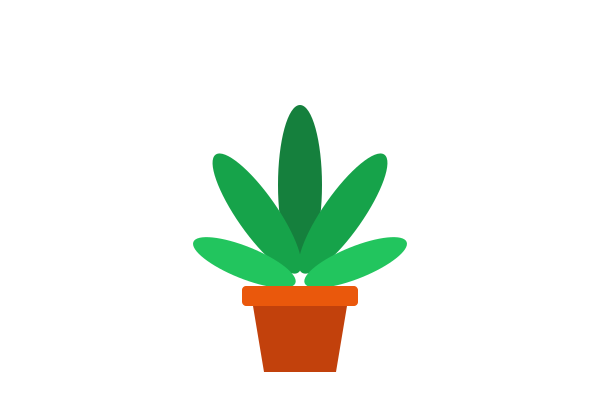
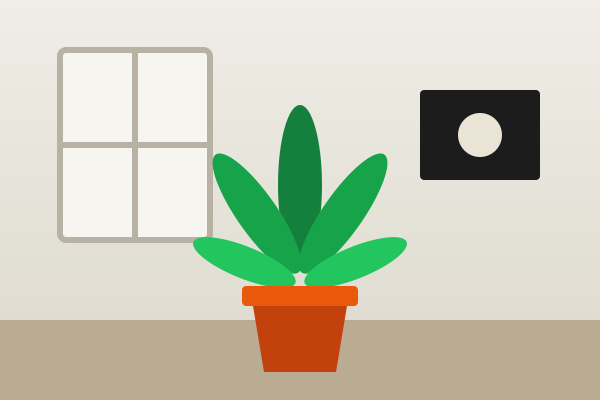 BeforeAfter
Features
Everything you need for clean cutouts
One focused tool, built to be fast and simple.
Precise AI cutouts
A segmentation model finds the subject and keeps fine edges clean.
Ready in seconds
No masking or pen tool. Most images are done almost instantly.
Full resolution
Export at the original size with a true transparent alpha channel.
Built-in editor
Swap in a colour, gradient or photo, then crop, rotate and resize.
PNG, JPG & WebP
Download a transparent PNG or a flattened JPG or WebP.
No account
Nothing to sign up for. Uploads are stored only temporarily.
How it works
Three steps, no skills required
From upload to download in under a minute.
- 01
Upload your image
Drop a JPG, PNG or WebP, or browse your files.
- 02
AI removes the background
The subject is separated automatically in seconds.
- 03
Edit and download
Add a new background if you like, then export.
FAQ
Frequently asked questions
Clear answers about formats, privacy and results.
Which image formats are supported?
JPG, JPEG, PNG and WebP, up to 20 MB per image.
Do I need an account?
No. Upload an image and download the result, with no sign-up.
What format is the result?
A PNG with a transparent background at the same dimensions as your upload. In the editor you can also export JPG or WebP.
What happens to my images?
They are stored temporarily so you can preview and download them, then deleted. Custom backgrounds never leave your browser.
What kinds of images work best?
Photos with a clear main subject such as people, products, animals or objects. Very busy scenes are harder to separate.